



Real code editor
Syntax highlighting, line numbers and auto-indent, in a dark or light theme.
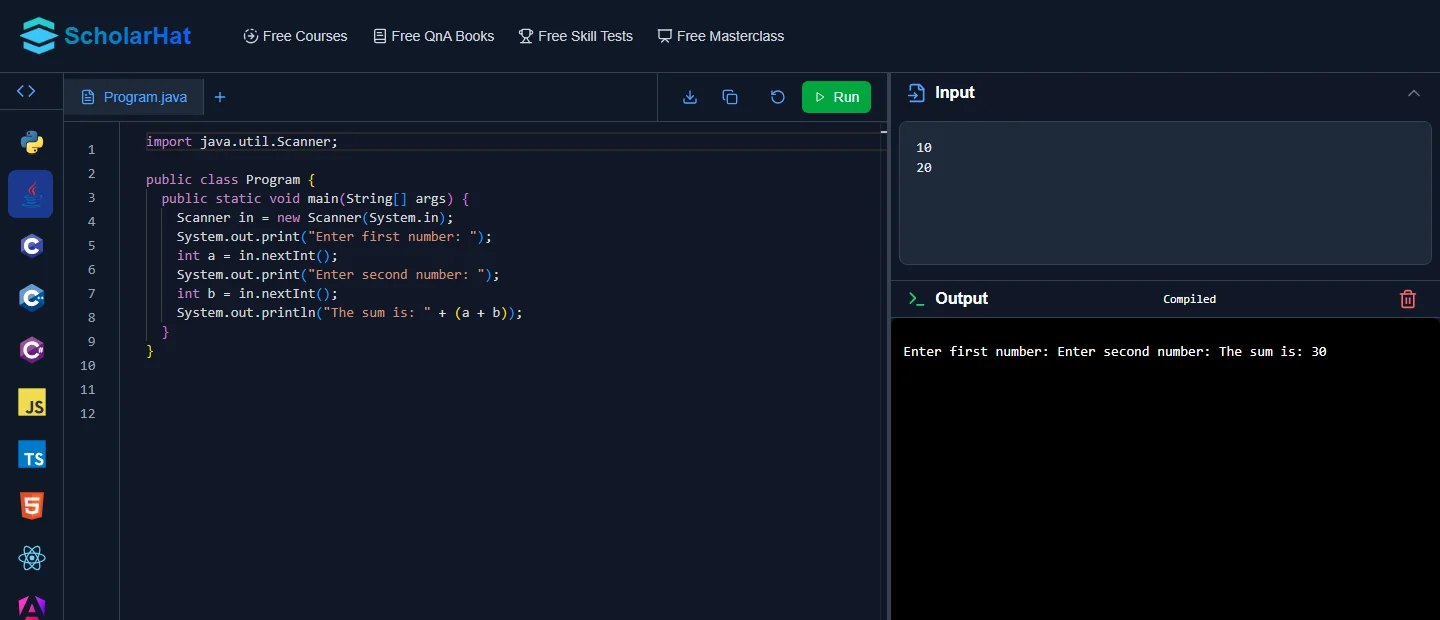
A free online compiler with an editor, an input box and live output. Nothing to install.
Each compiler opens with a starter program, ready to run.
Compile, run and read input from the keyboard.
Build pages and components, and see them live.
One screen for writing, running and fixing your code.
Syntax highlighting, line numbers and auto-indent, in a dark or light theme.
A compact toolbar with Run, Download, Copy and Reset keeps small screens usable.
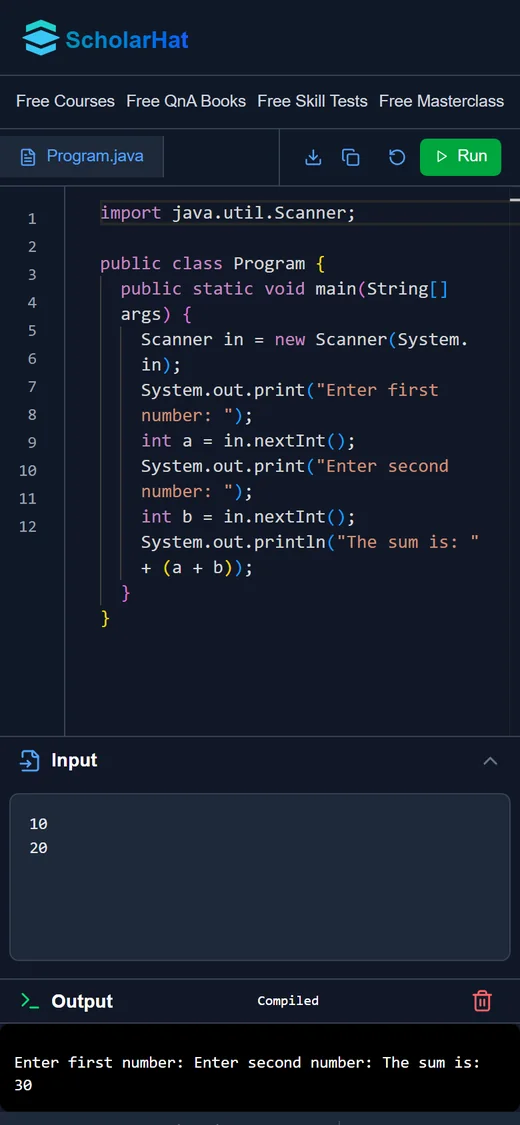
Programs that read from the keyboard get their values from the input panel.
Results and compile errors show in the output panel. Clear it with one tap.
Save the file, copy the code, or go back to the starter program in one tap.
Pick a language to see the starter code. Open it in the editor and change anything.
name = input("Your name: ")
print(f"Hello {name}, welcome to ScholarHat!")
import java.util.Scanner;
class Program {
public static void main(String[] args) {
Scanner in = new Scanner(System.in);
int a = in.nextInt(), b = in.nextInt();
System.out.println("The sum is: " + (a + b));
}
}using System;
Console.Write("Your name: ");
var name = Console.ReadLine();
Console.WriteLine($"Hello {name}, welcome to ScholarHat!");#include <iostream>
using namespace std;
int main() {
int a, b;
cin >> a >> b;
cout << "The sum is: " << a + b;
return 0;
}const squares = [1, 2, 3, 4, 5].map(n => n * n);
console.log("Squares:", squares.join(", "));Yes. Open any language and start coding. There is nothing to install.
Yes. Type the values into the input panel, then run. Your program reads them as if they came from the keyboard.
C, C++, C#, Java, Kotlin, Python, JavaScript, TypeScript, HTML, React and Angular.
Yes. Download the file to your device, or copy it to your own editor.
 LEAD-ACE FrameworkThe 7-Step Career Accelerator
Learn LiveLearn from industry leaders and architects.