Live bootcamps with mentors
Bootcamps that make you interview-ready
Learn live with Microsoft MVPs, build real projects, and get career coaching for Full Stack .NET, Azure and architect roles.
Trusted by 20,000+ students
Trusted by 20,000+ students
- Code live with mentorsMicrosoft MVPs and trainers
- Real-world projectsArchitecture you can show
- Labs and skill testsStep-by-step, with feedback
- Career coachingInterview prep and mock rounds
Find the bootcamp for your next role
Become job-ready in AI development, ML, cloud engineering, and AI architecture.
Showing 5 bootcamps
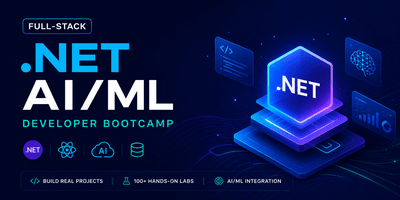
Full-Stack .NET AI/ML Developer Bootcamp
- 15 Weeks
- 15 Doubt sessions
- 6 Projects
- 328 Labs
- 1213 Lessons
Explore bootcamp
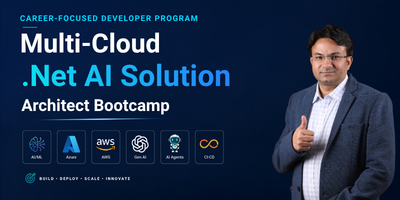
Multi-Cloud .NET AI & Agentic AI Architect Bootcamp
- 15 Weeks
- 15 Doubt sessions
- 6 Projects
- 64 Labs
- 578 Lessons
Explore bootcamp
Full-Stack Java & Gen AI Developer Bootcamp
- 15 Weeks
- 15 Doubt sessions
- 6 Projects
- 226 Labs
- 813 Lessons
Explore bootcamp
Full-Stack JavaScript AI/ML Developer Bootcamp
- 15 Weeks
- 15 Doubt sessions
- 6 Projects
- 182 Labs
- 708 Lessons
Explore bootcamp
No bootcamps found
Try another category or search term.
Not sure which bootcamp fits?
Talk to a career counsellor and get a path matched to your goal.
Real cloud sandboxes
Practice on real AWS, Azure and AI accounts
Get working credentials to the real cloud portal. Deploy, break and fix real resources with no setup and no cloud bill, at prices built for learners.
 Live credentials AWS
AWS Cloud Sandbox
AWS Cloud Sandbox – Overview The ScholarHat AWS Cloud Sandbox offers a fully isolated and secure environment for hands-on learning and experimentation with Amazon Web Services. Whether you're working with AWS Lambda, Elastic Beanstalk, Amazon EKS, RDS, or DevOps tools, the sandbox provides complete flexibility to build, test, and deploy applications. Key features include: AWS Services Access : Utilize a wide range of AWS developer tools and services including serverless apps, APIs, containers, databases, and CI/CD pipelines. Full Control : Configure resources and infrastructure to match your specific learning or prototyping needs. Safe & Isolated : Operate in a dedicated AWS environment without affecting production workloads. Experiment Freely : Ideal for testing ideas, building prototypes, and gaining real-world experience in a risk-free setting. If you're looking to explore the full potential of AWS Developer Services in a secure, flexible, and hands-on environment, the ScholarHat AWS Cloud Sandbox is your go-to platform. AWS Sandbox Guidelines AWS Account & Resources : Use the AWS account and resources provided by the sandbox for all activities. Do not attempt to create or use additional AWS accounts. Session Duration : Resources are available only during the active sandbox session. When the session ends, the sandbox environment, resources, and data may be automatically removed. Authentication : Follow the authentication method provided by the sandbox platform whenever you start a new sandbox session. Practice Only : The sandbox is intended only for learning, practice, and experimentation. Do not use it for production workloads or business-critical applications. Limited Permissions : Access is limited to the AWS services, resources, regions, and operations enabled for the sandbox. Some AWS features may not be available. Quotas & Regions : Resource creation may be subject to service quotas, resource limits, account restrictions, and supported-region restrictions. Use only the AWS regions and resources available in the sandbox. Resource Limits : Use AWS resources responsibly and create only the resources required for the lab or learning activity. Avoid unnecessary resource consumption. Session Reset : Each new session may start with a fresh environment. Resources, configurations, and data from previous sessions may not be available. Important: These limitations help us optimize costs and provide a safe, controlled, and affordable environment for hands-on AWS practice.
- Real AWS portal access
- Guided hands-on practice
- Auto clean-up, no cloud bill
 Live credentials Azure
Azure AI Cloud Sandbox
Azure AI Cloud Sandbox – Overview The ScholarHat Azure AI Cloud Sandbox offers a fully isolated and secure environment for hands-on learning and experimentation with Microsoft Azure AI services. Whether you're exploring Azure OpenAI , Azure AI Foundry , Computer Vision , or Azure AI Search , the sandbox provides full freedom to create, manage, and test services. Key features include: AI Services Access : Deploy and experiment with any number of Azure AI services. Full Control : Configure resources and hardware to match your specific learning or prototyping needs. Safe & Isolated : Operate in a dedicated Azure environment without affecting production workloads. Experiment Freely : Ideal for testing ideas, building prototypes, and gaining real-world experience in a risk-free setting. If you're looking to explore the full potential of Azure AI in a controlled and flexible environment, the ScholarHat Azure AI Cloud Sandbox is your ideal platform. Azure AI Sandbox Guidelines Resource Group : A default resource group is automatically created. You cannot create a new resource group. Use the provided resource group for all Azure AI activities. Session Duration : Azure AI resources are available only during the active sandbox session. When the session ends, the environment, resources, and data are automatically removed. Microsoft Authenticator : You must use the Microsoft Authenticator app to authenticate each time you start a new sandbox session. Practice Only : The sandbox is intended only for learning, experimentation, and practice. Do not use it for production AI workloads or business-critical applications. Limited Permissions : Access is limited to the Azure AI services, resources, regions, models, and operations enabled for the sandbox. Some Azure AI features may not be available. Quotas & Regions : AI resource creation and model usage may be subject to quotas, size, quantity, capacity, and region restrictions. Use only the supported Azure regions and available quotas. AI Model Usage : Access to AI models and services may be limited by the sandbox configuration, available capacity, usage limits, or supported deployments. Session Reset : Each new session starts with a fresh environment. Azure AI resources, model deployments, configurations, and data from previous sessions will not be available. Important: These limitations help us optimize costs and provide a safe, controlled, and affordable environment for hands-on Azure AI practice.
- Real Azure portal access
- Guided hands-on practice
- Auto clean-up, no cloud bill
 Live credentials Azure
Azure Cloud Sandbox
Azure Cloud Sandbox – Overview The ScholarHat Azure Cloud Sandbox offers a fully isolated and secure environment for hands-on learning and experimentation with Microsoft Azure Developer Services. Whether you're working with Azure App Services, Functions, Azure Kubernetes Service, Azure SQL, or DevOps tools, the sandbox provides complete flexibility to build, test, and deploy applications. Key features include: Azure Services Access : Utilize a wide range of Azure developer tools and services including web apps, APIs, containers, databases, and CI/CD pipelines.. Full Control : Configure resources and hardware to match your specific learning or prototyping needs. Safe & Isolated : Operate in a dedicated Azure environment without affecting production workloads. Experiment Freely : Ideal for testing ideas, building prototypes, and gaining real-world experience in a risk-free setting. If you're looking to explore the full potential of Azure Developer Services in a secure, flexible, and hands-on environment, the ScholarHat Azure Cloud Sandbox is your go-to platform. Azure Sandbox Guidelines Resource Group : A default resource group is automatically created. You cannot create a new resource group. Use the provided resource group for all activities. Session Duration : Resources are available only during the active session. When the session ends, the environment, resources, and data are automatically removed. Microsoft Authenticator : You must use the Microsoft Authenticator app to authenticate each time you start a new sandbox session. Practice Only : The sandbox is intended only for learning and practice. Do not use it for production workloads. Limited Permissions : Access is limited to the services, resources, regions, and operations enabled for the sandbox. Some Azure features may not be available. Quotas & Regions : Resource creation may be subject to size, quantity, and region restrictions. Use only the supported Azure regions and available quotas. Session Reset : Each new session starts with a fresh environment. Resources and configurations from previous sessions will not be available. Important: These limitations help us optimize costs and provide a safe, controlled, and affordable environment for hands-on practice.
- Real Azure portal access
- Guided hands-on practice
- Auto clean-up, no cloud bill
Build projects you can show in interviews
From your first full-stack app to cloud-native and AI systems. Pick the level that fits you.
Beginner
Vibe Coding Full-Stack App
Build and ship a full-stack app fast with AI-assisted coding.
React ASP.NET Core Tailwind
Beginner
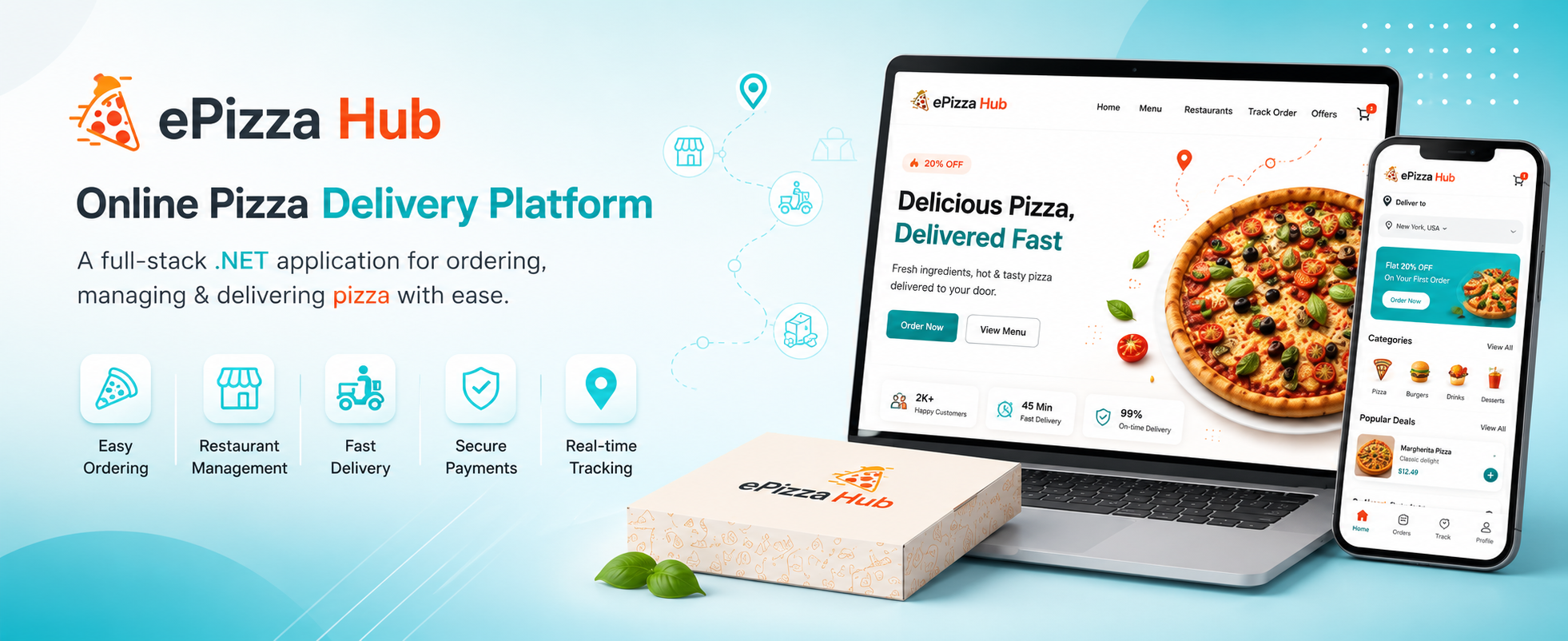
ePizza Hub
A pizza delivery platform with ordering, payments and a restaurant dashboard.
ASP.NET Core MVC Web API Bootstrap
Intermediate
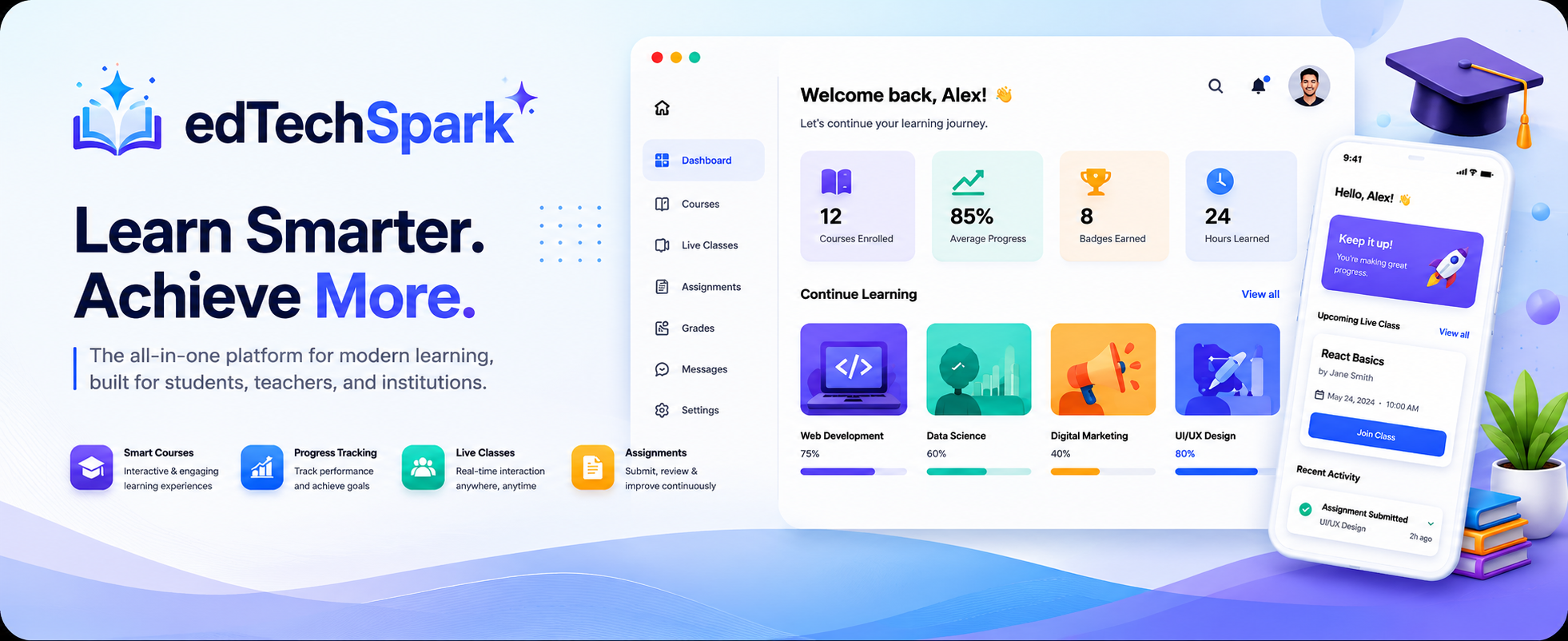
edTechSpark
An online learning platform with login, enrollments and dashboards.
Angular REST API JWT
Intermediate
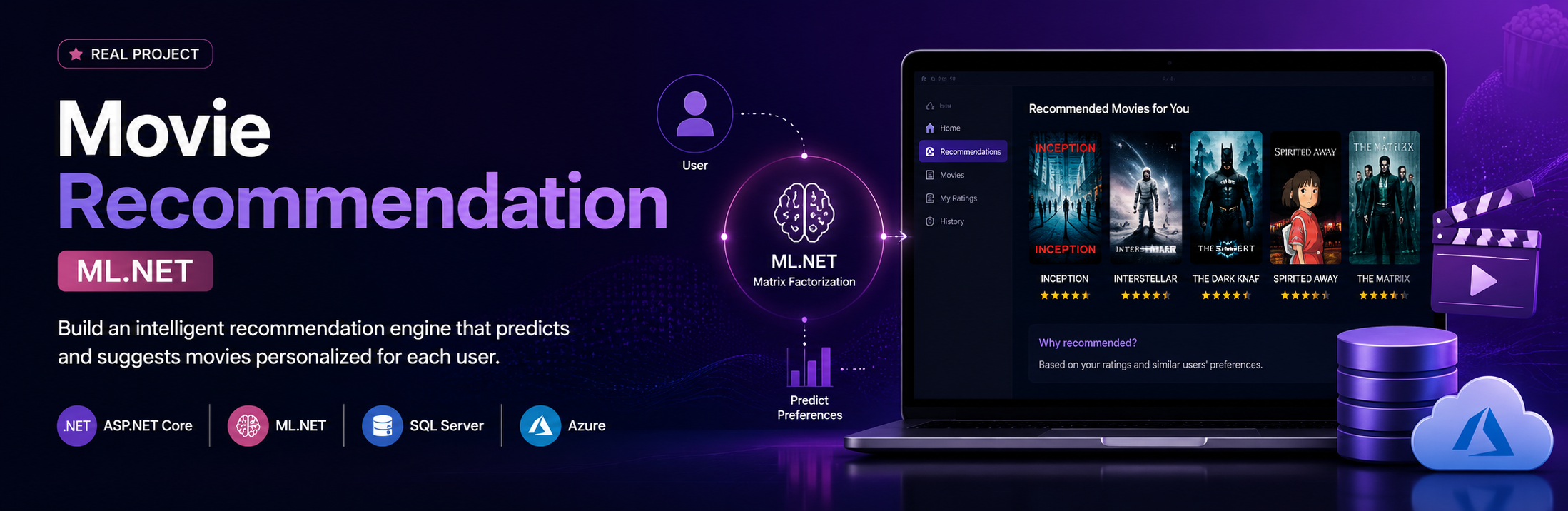
Recommendation Engine
Personalized suggestions from user ratings and behavior with ML.NET.
ML.NET ASP.NET Core SQL Server

Intermediate
Cloud Food Delivery
Deploy a scalable delivery app with CI/CD and secure secrets.
ASP.NET Core Azure CI/CD
Advanced
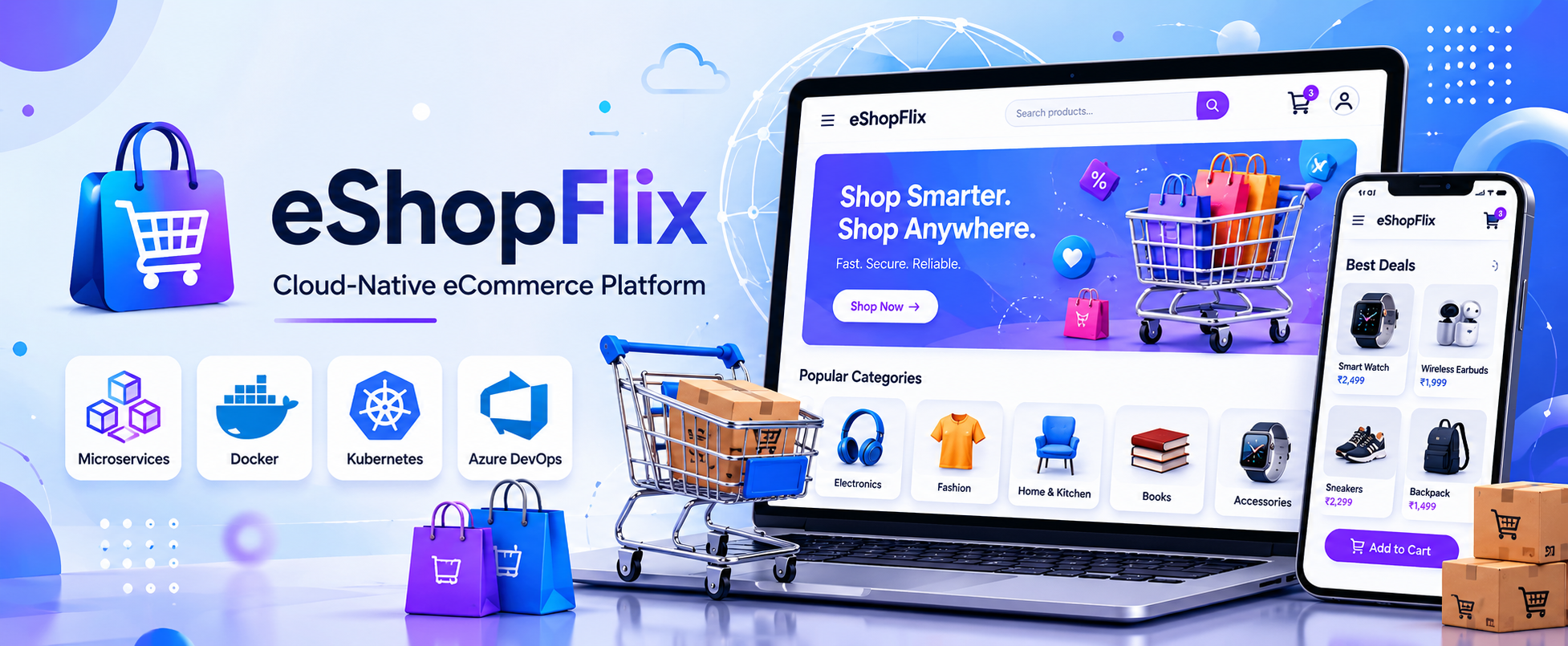
eShopFlix
A cloud-native store built as microservices behind an API gateway.
Microservices Docker Kubernetes
Advanced
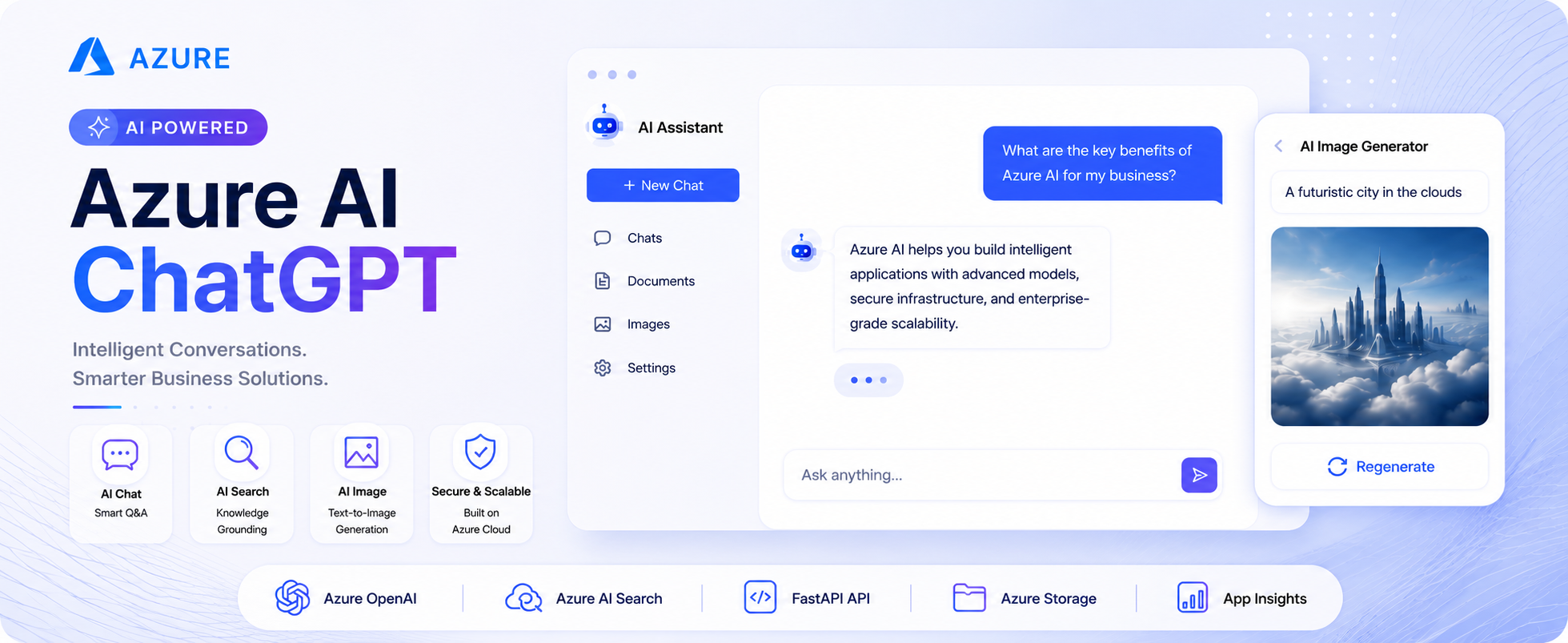
Enterprise AI Chatbot
Chat with company data using Azure OpenAI and retrieval.
Azure OpenAI RAG AI Search
Advanced
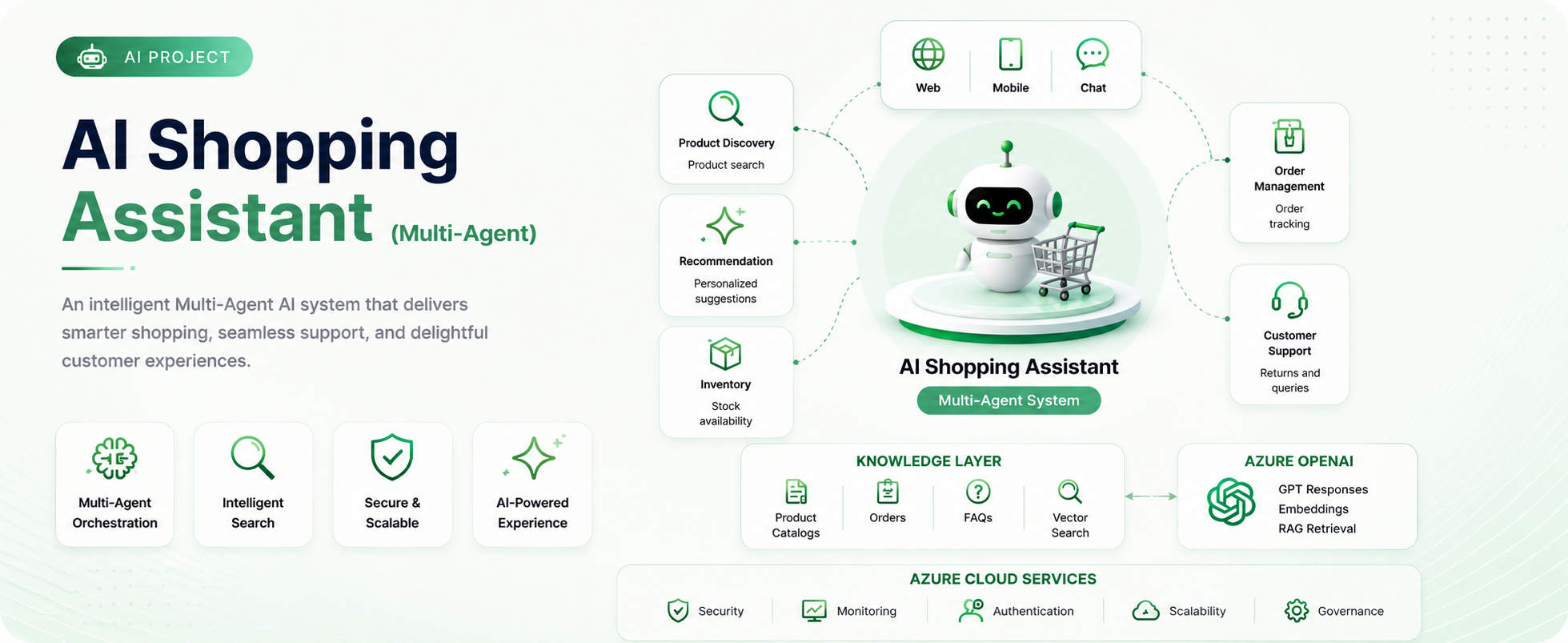
AI Shopping Assistant
A multi-agent assistant for product search, advice and support.
Multi-agent Azure AI React
Real experience
Hands-on practice, not slides
Every lab runs in a real cloud portal. You build with the same tools your team uses at work, so your first week on the job feels familiar.
- Real portal login Sandbox Credentials ready the moment you start
- Step-by-step labsDeploy, scale, secure and troubleshoot
- Safe to break thingsIsolated account, cleaned up automatically
- Support Get Help whenever you get stuck
Get free personalized career advice
Your learning matters. Schedule a Google Meet to get more clarity.
Personalized learning path
A roadmap based on your experience level and career goals.
Flexible scheduling
Book a consultation at a time that works best for you.
Expert career guidance
Insights from industry experts, tailored to your goals.
The Asp.Net MVC5 Development course at ScholarHat was very good. The Trainers are well experienced had a good hands on knowledge about the subject. They answer all the questions asked and sort out the doubts. The support team is also very active. In case of any issue they solve it as soon as possible.

ASHISH GUPTA
Programmer Analyst

I had to upgrade my skills due to the tech used in the project I was stuck for years was obsolete. Meanwhile I found a course at the Scholarhat. I took the training in my free time and within a month I was up to date with current technologies. This is all because of the training provided by shailendra chauhan. He is very well experienced and has a good hands on knowledge about the subject. I would surely recommend Scholarhat for everyone interested in upgrading their knowledge in this competitive world.

Mahesh Shivaswamy
IT Analyst at TCS USA
It was a very good experience to learn Mastering .NET Microservices from ScholarHat. The trainer had a great hold on the domain, and came with a handy industry experience. The quality of the training materials, assignments, projects, support and other infrastructures are top-notch. I will definitely recommend others for ScholarHat.

Pawan Mandhan
Software Engineer at Trupay
I took my first course Angular 2&4 Development Scholarhat in This month and I am really impressed with the course content and the quality of teaching. Also, their responsiveness is something unparalleled. I would highly recommend to take courses in Scholarhat, and I am really looking forward for a long association with the institute.

Alok Kumar
Sr. Software Engineer ( Infogain, Barcode India Ltd)
It's really been a great set of classes with ScholarHat! I consider myself lucky to discover and be part of ScholarHat! I loved the way the instructor took..... extra time for every question made & explained in depth. Excellent training by ScholarHat.

Shubham Pandey
Web Application Developer at Images Group Pvt.Ltd
 LEAD-ACE: EdTech Platform
 600+ Quick notes
 900+ Hands-on labs
 50+ Real-world projects
 45+ Interview books